

You don't need to be rich to live like the Jetsons. In 2025, building a smart home is more affordable than ever—if you know where to spend and where to save. I’ve helped friends automate their apartments for under $200, and in this guide, I’ll show you exactly how to do it without sacrificing quality or security.
Start with a Smart Hub (or Skip It)
A smart hub acts as the brain of your home, letting you control all devices from one app. But in 2025, many devices work with voice assistants like Alexa or Google Assistant, so you might not need a dedicated hub. If you already own an Amazon Echo or Google Nest, you’re halfway there.
If you prefer a hub-free setup, choose devices that support Matter—the new universal standard. Matter devices talk to each other directly, even without a hub. For example, a Matter-compatible smart plug and bulb can pair with your phone via Bluetooth or Wi-Fi. This saves you the $50–$100 a hub would cost.
“The biggest mistake beginners make is buying a hub first. Start with one or two devices and see if you actually need central control.” — Smart Home Enthusiast Forum
Prioritize Smart Plugs and Bulbs
The cheapest way to make your home “smart” is with smart plugs. A two-pack costs around $15–$20. Plug a lamp, fan, or coffee maker into one, and you can control it with your voice or phone. Set schedules so your lights turn on at sunset, or turn off devices when you leave home.
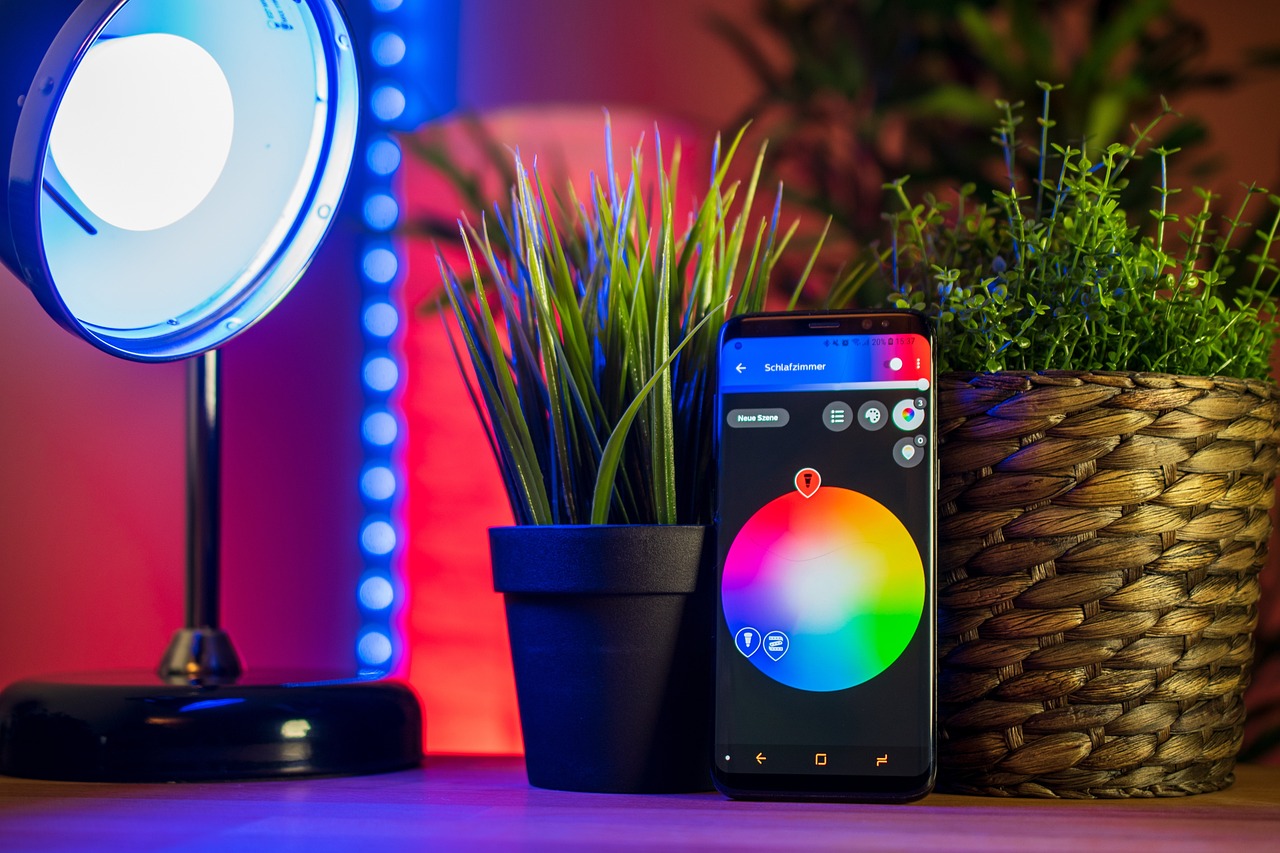
Smart bulbs are another low-cost entry point. Brands like Wyze and Sengled offer bulbs for under $10 each. You can change colors, dim them, and set routines. For example, a morning routine could gradually brighten your bedroom light to wake you naturally.
- Smart plug tip: Use them for “vampire” electronics like TVs and gaming consoles to cut standby power.
- Smart bulb tip: Start with one room—like the living room—to test if you like the automation before buying more.
Secure Your Home Without Monthly Fees
Smart security doesn’t have to mean a pricey subscription. In 2025, budget cameras like Wyze Cam v4 ($35) offer 2K video, night vision, and two-way audio—no monthly fee for basic cloud storage. Add a local microSD card for continuous recording without paying a dime.
For door sensors, consider Aqara or Eve. A starter kit with a hub and two sensors costs about $60. Place sensors on doors and windows, and get instant alerts on your phone. You can even trigger automations: when the front door opens, turn on the entry light.
- Start with one camera covering your main entry point.
- Add a door sensor to that same door for double coverage.
- Use a smart plug to simulate occupancy by turning a lamp on/off while you’re away.
Automate Climate Control for Less
A smart thermostat can save you up to 10% on heating and cooling. But top models like Nest Learning Thermostat cost $250. Instead, grab the Amazon Smart Thermostat ($60) or the Wyze Thermostat ($45). Both work with Alexa and Google, and they learn your schedule.
If you have window AC units, use a smart AC controller like Sensibo ($80). It turns any remote-controlled AC into a smart one. Set temperature triggers, schedule cooling before you arrive home, and track energy usage—all from your phone.
Don’t forget about smart blinds. They’re expensive, but a DIY alternative is a smart curtain motor like SwitchBot ($70). It attaches to your existing curtain rod and can be voice-controlled or set on a timer. Close blinds during summer heat to keep rooms cooler.
“I cut my energy bill by 15% just by scheduling my thermostat and blinds. The investment paid for itself in six months.” — Reddit user u/budgetsmart
DIY Where You Can, Skip the Pros
Most smart home devices are designed for simple installation. You don’t need an electrician. Smart plugs, bulbs, and sensors usually stick or screw in place. Even smart switches (like the Kasa Smart Switch, $15) can be installed by a confident DIYer with a screwdriver and a YouTube tutorial.
However, if you’re not comfortable with wiring, stick with plug-in options or hire a pro for one job—like installing a smart light switch for your main room. That one switch can control all your overhead lights and is worth the $50–$100 installation fee.
- Tools you’ll need: Screwdriver, wire stripper, voltage tester (for switches).
- Safety first: Always turn off power at the breaker before touching wires.
Frequently Asked Questions
Can I build a smart home for under $100?
Yes, absolutely. Start with a two-pack of smart plugs ($15–$20) and a smart bulb ($10). Use your existing phone as a controller. That’s enough to automate a lamp and a fan, and you can expand later.
Do I need a strong Wi-Fi network for smart devices?
Basic devices like plugs and bulbs work fine with a standard router. But if you have many devices (20+), consider a mesh Wi-Fi system like TP-Link Deco ($80–$150) to avoid lag. Also, keep your 2.4 GHz band enabled—many older devices only support that frequency.
Is it safe to buy cheap smart home devices?
Stick to reputable brands like Wyze, Kasa, Sengled, and Aqara. They offer decent security and regular firmware updates. Avoid no-name brands with no app updates. Always change default passwords and enable two-factor authentication if available.
Final Thoughts
Building a smart home on a budget is about making smart choices. Start small, focus on what saves you time or energy, and expand as you go. By 2025, the technology is mature enough that you don’t need to spend thousands. With a little planning and a few affordable gadgets, you can enjoy convenience, security, and efficiency—without the fancy price tag.



Comments (0)
No comments yet. Be the first to comment!