
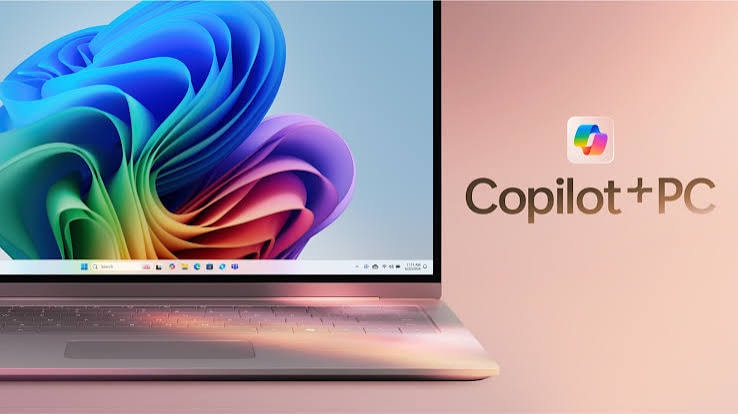

The latest wave of updates spans everything from smarter document creation to agentic AI systems that don't just answer questions they complete entire tasks from start to finish.
One of the biggest highlights is Copilot Cowork, now generally available worldwide. Unlike a typical AI assistant that offers suggestions or drafts, Cowork is designed to plan, execute, and deliver finished work: users define a task, and Cowork carries it out end-to-end, returning a completed deliverable rather than a rough draft.
It's powered by "Work IQ," which grounds every task in the real systems and data a business already uses, ensuring the output reflects actual organizational context. Cowork has since been enhanced with support for multiple AI models, including OpenAI's GPT-5.5 Thinking and Anthropic's Claude, along with browser automation, mobile support, custom skills, branded PowerPoint template generation, and image creation powered by ChatGPT Images 2.0.
Within core Microsoft 365 apps, Copilot has become significantly more integrated and context-aware. Users can now @mention Word, Excel, and PowerPoint agents directly inside Copilot Chat to create documents, spreadsheets, and presentations without switching apps. OpenAI's GPT-5.6 model family has also been added to Microsoft 365 Copilot, offering stronger reasoning for complex, multi-step work across Word, Excel, and PowerPoint.
Copilot in Excel now works even when AutoSave is switched off, and PowerPoint users can pull directly from their organization's branded assets logos, fonts, and themes when generating slides. Meeting summaries have also gotten a visual upgrade, with Copilot Chat now offering narrated video recaps alongside written summaries for meetings of 10 minutes or longer.
On the Windows side, Microsoft is taking a more intentional approach to where Copilot appears. The much-anticipated "Ask Copilot" feature which brings a dynamic, AI-powered chat experience directly into the Taskbar and Start menu is confirmed to arrive by mid-2026, initially targeted at enterprise and Microsoft 365 business users. Meanwhile, Microsoft has also announced it's scaling back unnecessary Copilot prompts and buttons across everyday apps like Snipping Tool, Notepad, Photos, and Widgets, aiming to focus AI integration on features that are genuinely useful rather than adding visual clutter. Accessibility has also improved, with Narrator now able to use Copilot to generate detailed AI descriptions of on-screen images and charts for blind and low-vision users, a capability now available across all Windows 11 devices, not just Copilot+ PCs.
For IT admins, Microsoft has also introduced tools like the Cost Management Dashboard to monitor Copilot credit usage and budgets, along with prepaid capacity pack options to keep AI spending predictable across organizations.
Read More: https://www.parcharmanch.com/




Comments (0)
No comments yet. Be the first to comment!